Get a Token
Warning
Before generating a token, understand these security essentials:
Tokens are tied to you and are your responsibility, not just the project’s
Never commit tokens to git or share them publicly
Immediately revoke exposed tokens (see Revoke a Token)
Use minimum necessary permissions for your workflow
For more on token security, see Token Management.
Access to the resources in the OLCF Facility API is restricted to your project via an access token. This means that
when you generate a token using myOLCF it is always scoped to the project itself, not your user account. For example,
if using the compute resource to submit a job via Slurm it will run under your project _auser account.
Generate a Token
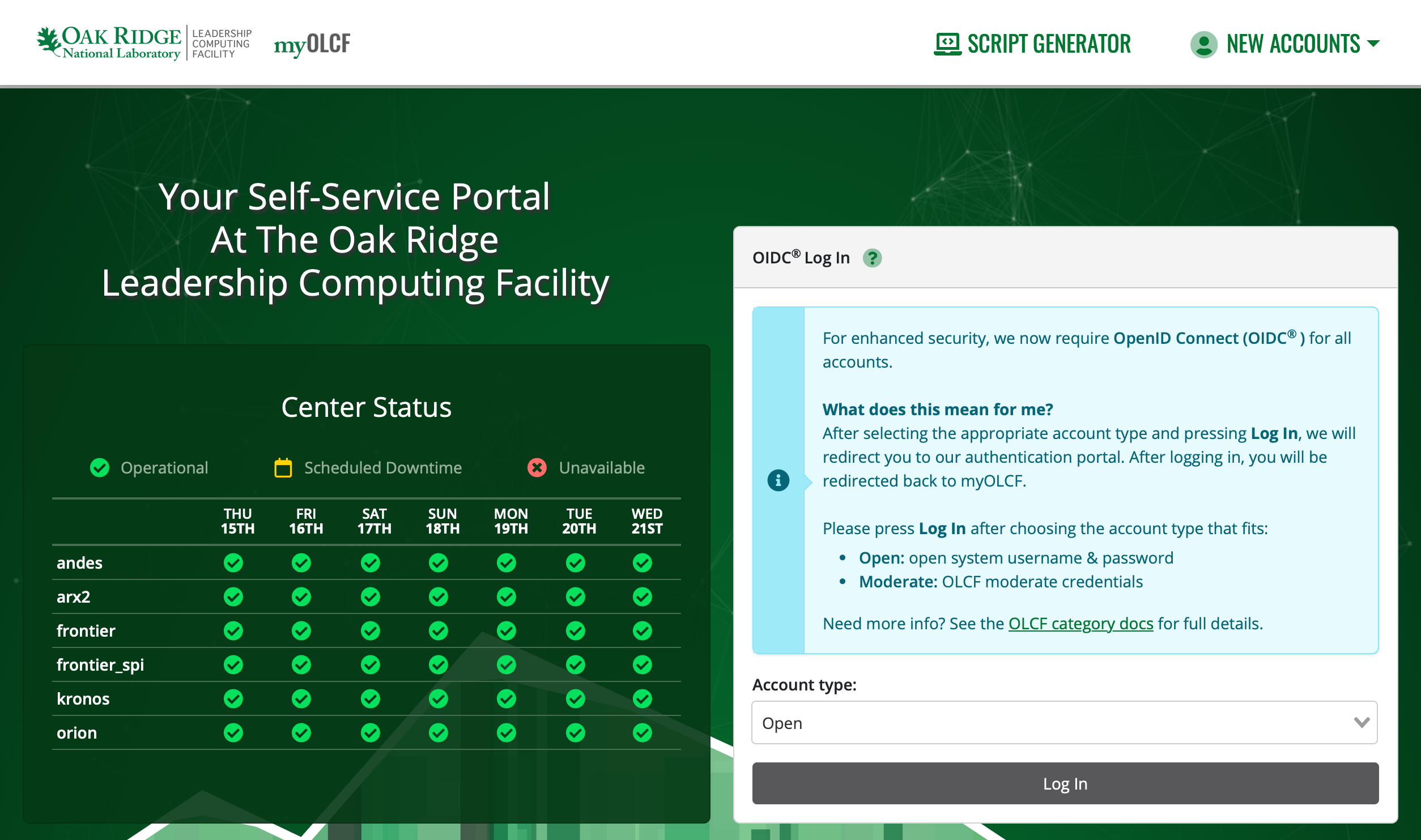
1. Navigate to: https://my.olcf.ornl.gov
2. Log in using an Open account.
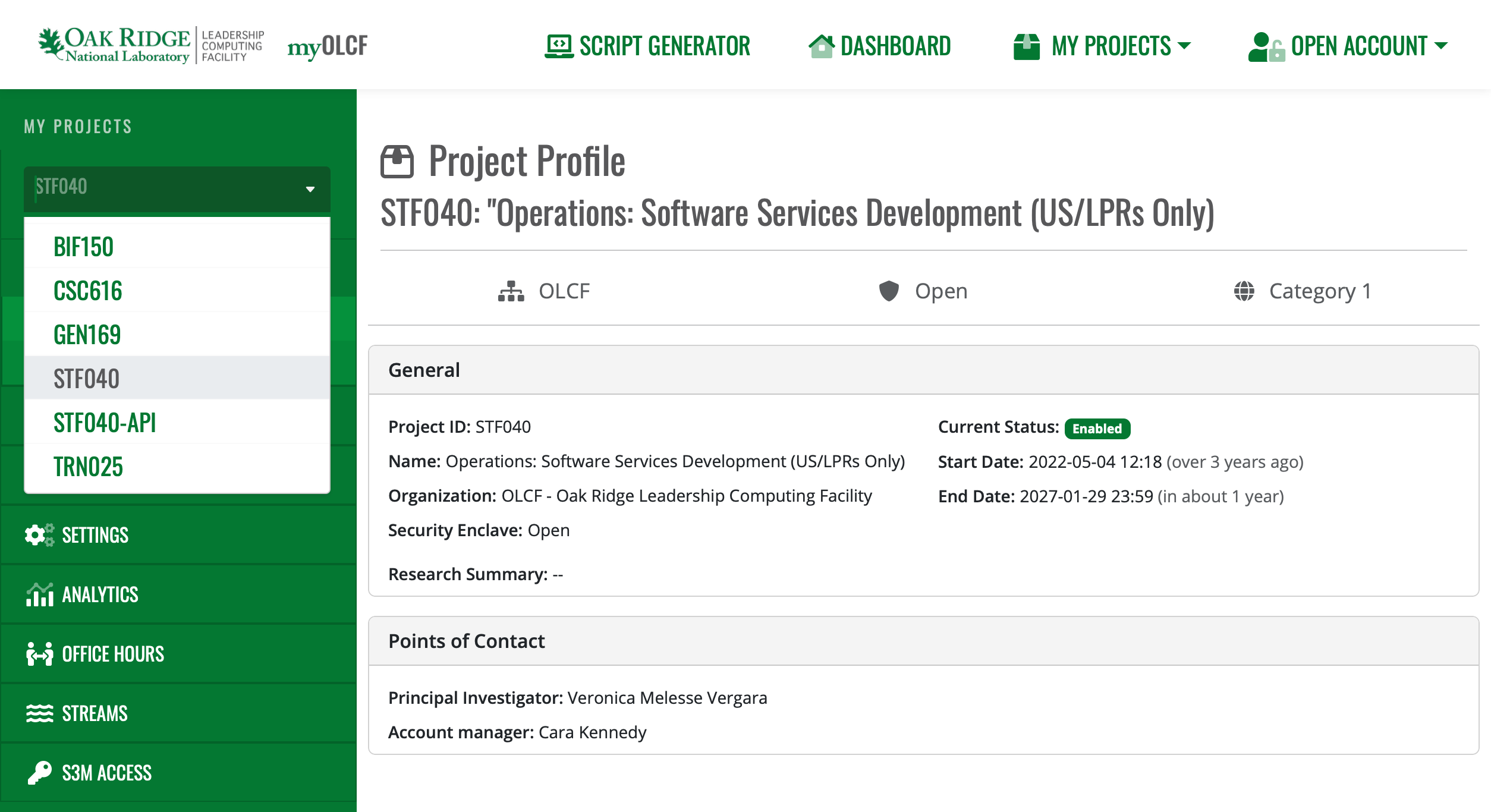
3. Select the Project you want an S3M token for.
Note
If your required project doesn’t have an “S3M Access” option in the sidebar, S3M likely isn’t enabled for it yet; please contact S3M support at <olcf-s3m@email.ornl.gov> for help.
4. Navigate to the S3M Access -> New Token page. Here you can generate a token with the desired permissions
and expiration controls.
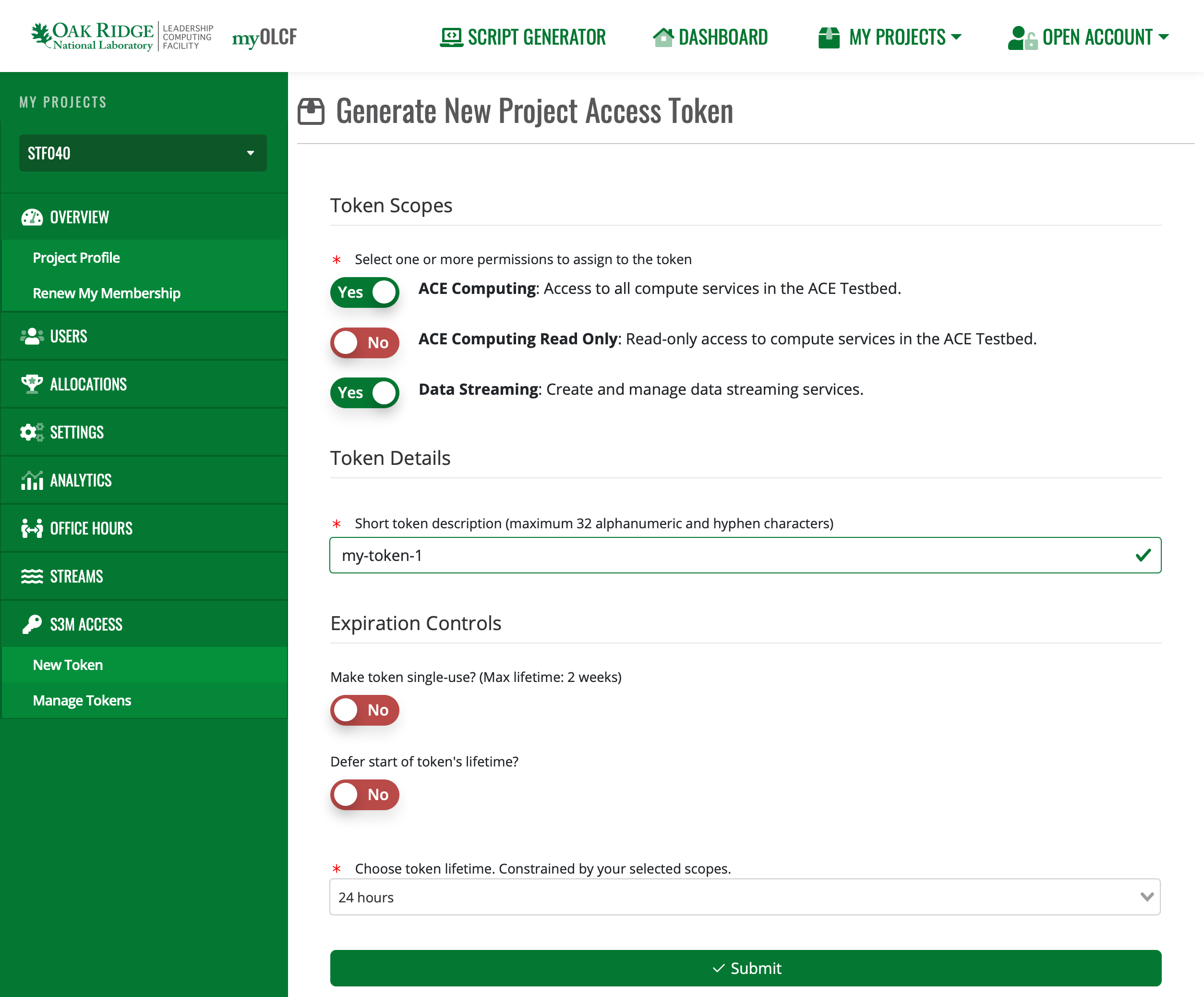
Finally, copy the token and store it someplace safe (please, NOT in source code). Once you leave this page, you can’t retrieve your token again.
Manage Existing Tokens
You can view existing tokens, their permissions, current expiration, and revoke them via the Manage Tokens page.