Token Management
A leaked token can expose your project’s data and resources. This page covers how to avoid that.
Immediately Revoke Tokens if Exposed!
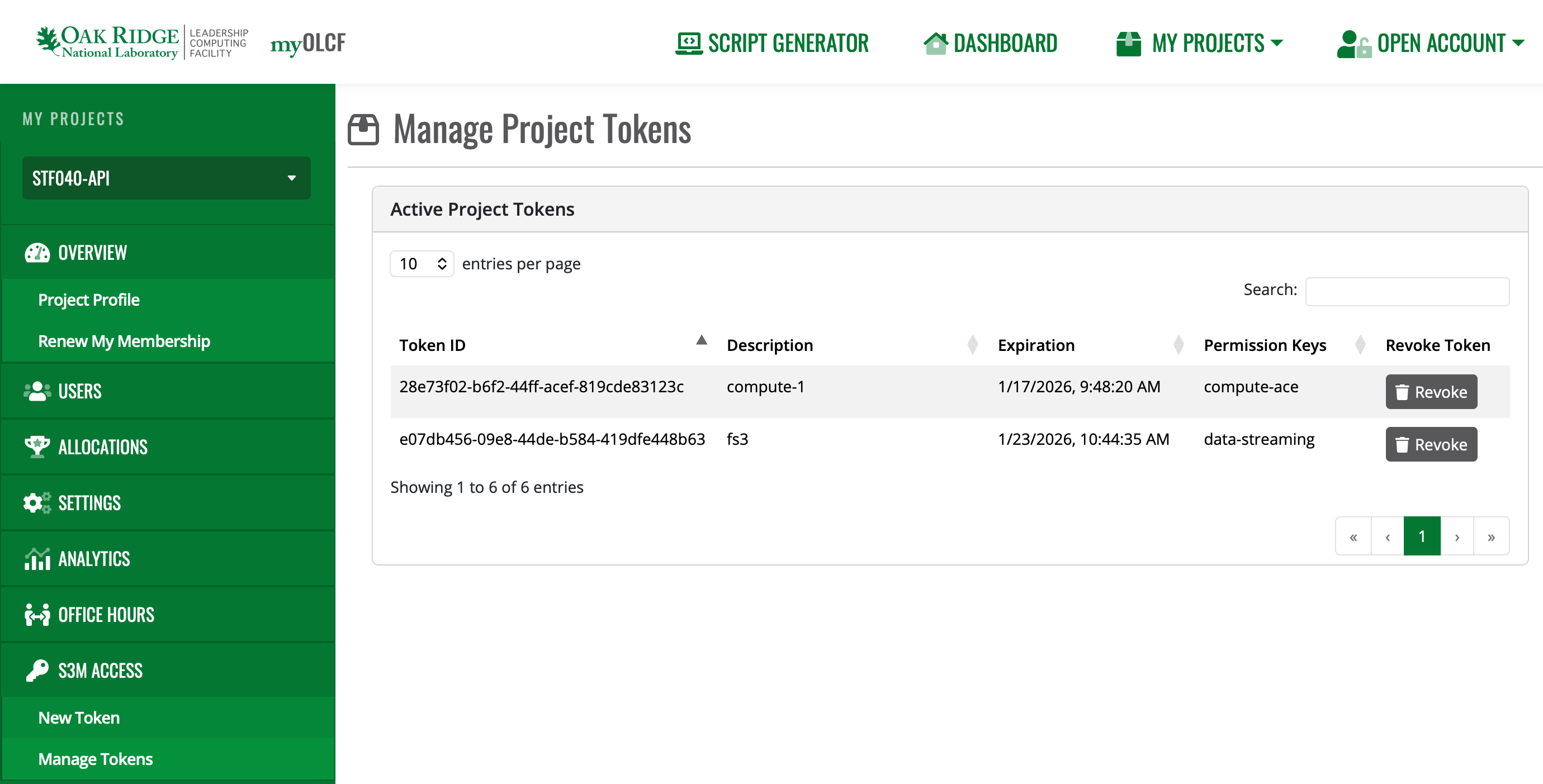
If for any reason your token has been exposed externally or you suspect it has been stolen by malicious actors, revoke access to that token right away. This can be accomplished in either of the following ways:
Using the myOLCF Manage Tokens interface:
Using the token itself to request revocation:
$ curl -i -X DELETE -H @.env \
    https://s3m.olcf.ornl.gov/olcf/v1/token/ctls/revoke
HTTP/1.1 200 OK
If you suspect the token has been misused, please contact OLCF Support <help@olcf.ornl.gov> right away for further assistance.
Never Save Token Directly in Code
Even when simply experimenting with S3M functionality, it is highly recommended that you never save tokens directly in scripts or code that could be committed to a repository or saved to a shared system. Instead, always read tokens from environment variables when possible:
import requests
import os

headers = {
    "Authorization": os.getenv('S3M_TOKEN')
}

response = requests.get(
    "https://s3m.olcf.ornl.gov/slurm/v0.0.43/defiant/ping",
    headers=headers)
Avoid Command-Line Arguments
Depending on your system’s configuration, providing secrets to an application via command-line arguments can expose them to other users or processes, even when storing tokens in variables.
$ export TOKEN="eyJhbGc..."
$ curl -H "Authorization: $TOKEN" https://...

$ ps aux | grep eyJhbGc
user      456 pts/0    S+   11:33   0:00 curl -H Authorization: eyJhbGc... https://...
The shell expands $TOKEN before executing the command, so the token value appears in the process listing just as if
it were typed directly.
Instead: Loading secrets from files is a safer option. Store the authorization header directly in a file and use
curl’s @ syntax to read it:
$ echo "Authorization: eyJhbGc..." > .env
$ echo ".env" >> .gitignore

$ curl -H @.env https://s3m.olcf.ornl.gov/slurm/v0.0.43/defiant/ping
{"meta":{"plugin":{"type":"openapi/slurmctld", "name":"Slurm OpenAPI slurmctld"...
There are exceptions to these risks; however, it is always better to be safe when writing your production workflows or scripts.
Verify Secret Files are Ignored
When setting up your project repository, ensure that files or directories that can contain secrets are properly ignored. Some common files include:
There are other ways you can accidentally expose secrets, so take the time to examine your specific project’s circumstances. Give extra care to any elements of the project that you are packaging for release.
Principle of Least Privilege
Request only the permissions your workflow actually needs. If a token with limited scope gets compromised, the damage is limited too.
Secure Storage of Tokens
Don’t store tokens in plaintext files or shared locations. Password managers, OS keyrings, or secrets management tools are better options. Keep tokens out of version control and anywhere other users might see them.
Example: Using Header Files Securely
Store the authorization header in a file and use curl’s @ syntax to read
it. This keeps tokens out of your shell history:
# Create a header file with your token
echo "Authorization: your_token_here" > .env

# Add to .gitignore to prevent accidental commits
echo ".env" >> .gitignore

# Use the header file with curl
curl -H @.env https://s3m.olcf.ornl.gov/olcf/v1alpha/status
This prevents tokens from showing up in shell history, process listings, and environment variable dumps.